01
Upload your menu photo
The merchant adds a menu image from the dashboard. VouchIQ reads item names, sections, descriptions, and visible prices.
VouchIQ Menu
VouchIQ Menu helps restaurants, cafés, cloud kitchens, and food businesses create a clean digital menu from a photo, then manage prices and stock from its own product workspace.
Estimated nutrition per 100g, price, and availability shown clearly.
How it works
The merchant adds a menu image from the dashboard. VouchIQ reads item names, sections, descriptions, and visible prices.
Staff can correct prices, rewrite descriptions, mark items out of stock, and choose what should appear on the live menu.
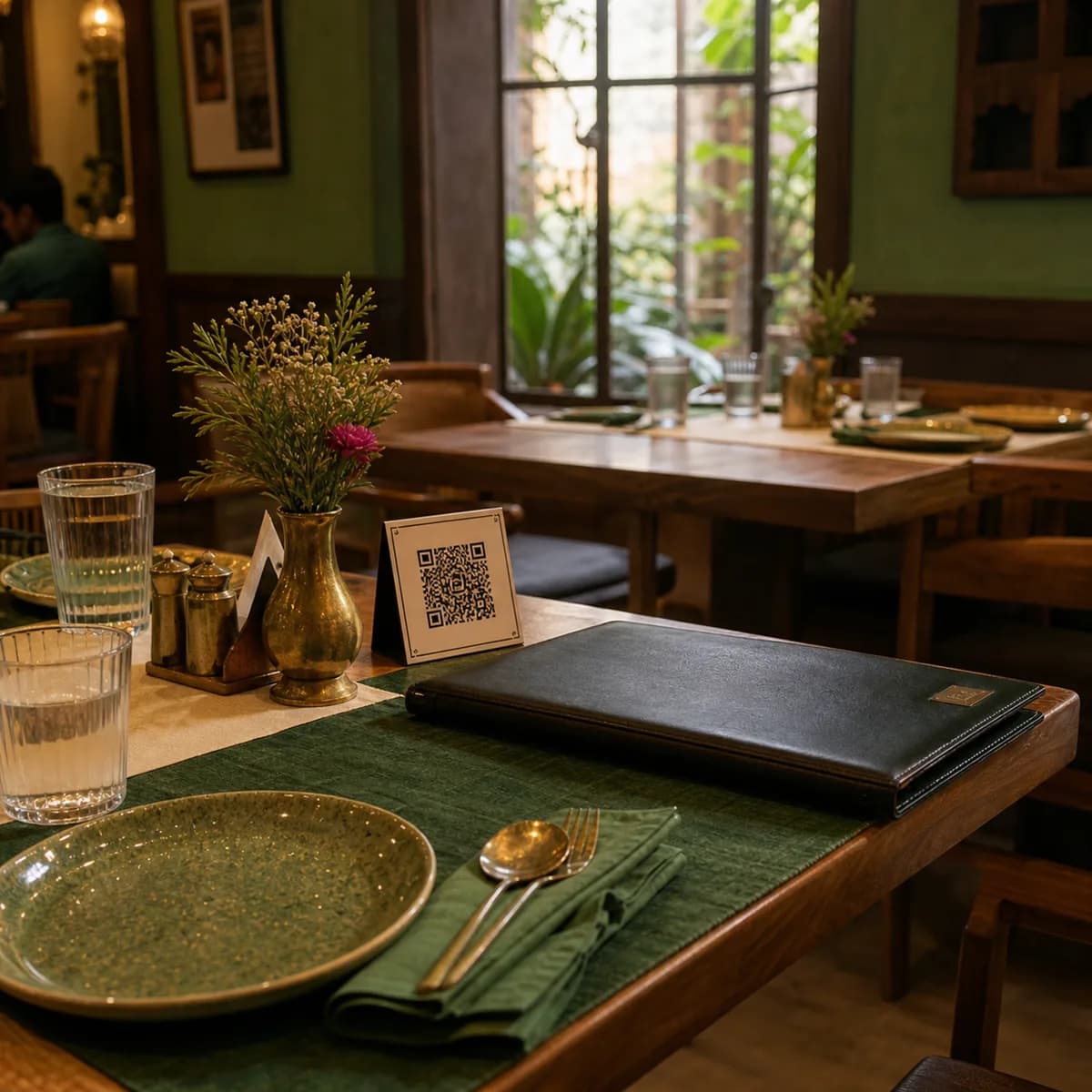
Customers scan a separate menu QR and see a clean mobile menu with pricing, dish details, and nutrition guidance.
Merchant controls
The menu QR should stay useful after the first upload. Owners can keep prices and availability current without asking a developer to change anything.
Edit item name, description, and price
Hide out-of-stock dishes instantly
Publish or unpublish the menu
Keep the customer QR page lightweight and mobile-first
Generate helpful dish visuals when the restaurant does not have item photos yet.
Show estimated calories, protein, carbs, and fat per 100g with clear non-medical guidance.
Keep item prices visible and easy to update from the dashboard before customers scan.
Launch VouchIQ Menu