Google Reviews · Features
Everything you need to run a clearer review journey.
The customer flow, the drafts, the QR assets and the dashboard, explained feature by feature.
Live at shops like
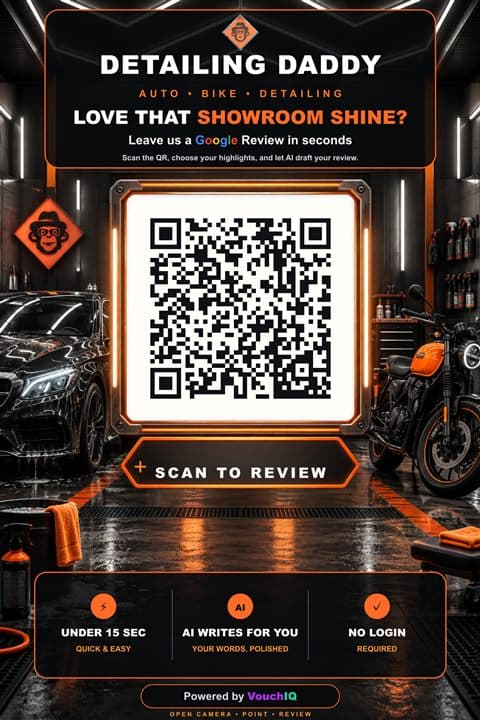
Detailing Daddy
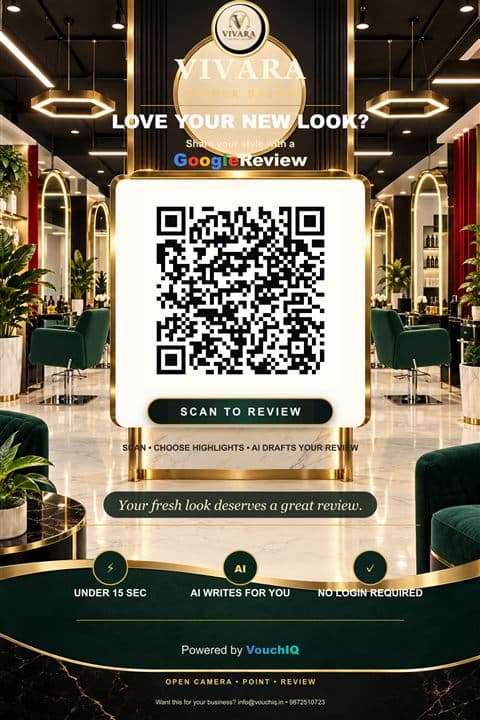
Vivara Unisex Salon
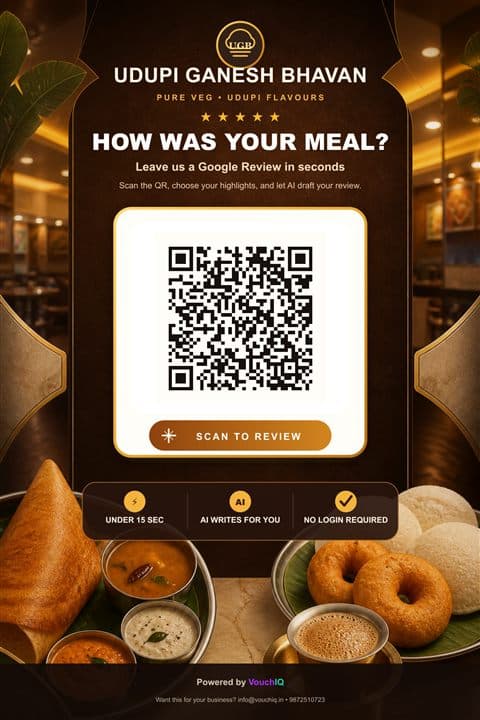
Udupi Ganesh Bhavan
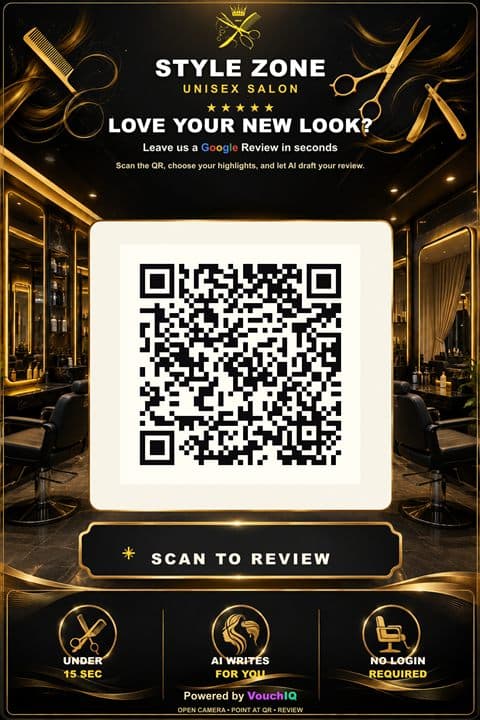
Style Zone Unisex Salon
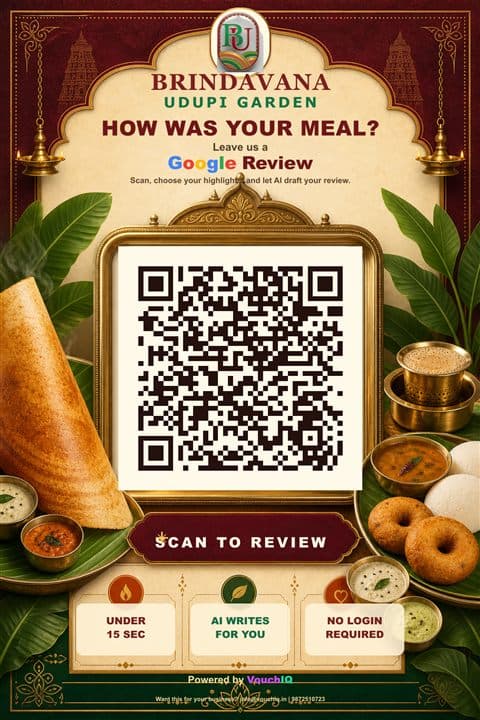
Brindavana Udupi Garden
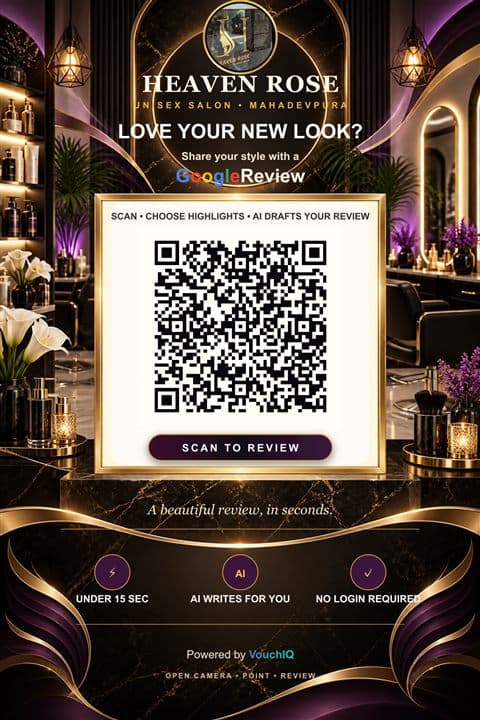
Heaven Rose Unisex Salon
- +3
more
For your customers
A short, comfortable phone experience
No account, no app and no blank page. Customers answer clear questions and stay in control of what they post.
Business QR journey
A stable link customers open straight from your printed QR.
Mobile-first flow
Large rating controls and clear service choices on any phone.
Contextual draft
One editable draft built from the rating, services and details they chose.
Different version
Not quite right? One tap writes a different draft.
Copy and continue
Copy the review and jump straight to your Google review page.
Private feedback
Customers can also send a private note to you. Google stays open to everyone.
For you
One place for setup, QR assets and activity
Google-assisted signup
Find your business on Google to connect the right listing.
Stable QR link
Your printed QR keeps working when you change services or plans.
Poster & 4×6 card
Download ready-to-print QR assets as image or PDF.
Merchant dashboard
Business details, services, QR assets, profile and settings.
Android app
Check scans and reviews from your phone.
Your services, your words
The highlights customers see are the services you add.
Honest by design
What VouchIQ does, and what it never does
What we never do
- Post reviews on a customer’s behalf
- Write reviews about things that didn’t happen
- Pay or reward customers for reviews
- Stop unhappy customers from posting
What we always do
- Let customers post from their own account
- Build drafts only from what they picked
- Keep every word editable
- Keep Google open to every rating
That keeps your listing safe and your reviews genuine.
How does the Google review QR work?
Customers scan your counter QR, rate their visit, tap the services they liked and get an editable draft. They copy it and post from their own Google account.
Does VouchIQ post reviews for customers?
No. Customers always post from their own Google account and can edit or discard the draft. VouchIQ never posts, buys or hides reviews.
Can unhappy customers still post on Google?
Yes. Google stays open to every rating. Customers can also choose to send you a private note instead.
Can I print the QR myself?
Yes. Download a ready-to-print poster or a 4×6 counter card as an image or PDF from your dashboard.
Will my QR stop working if I change plans or services?
No. Your review link is stable, so printed QR codes keep working when you edit services or change plans.
See how VouchIQ can fit into your business.
A free 15-minute demo, live on your own phone.